Try simpleWhirks Free: Click Around a Demo First
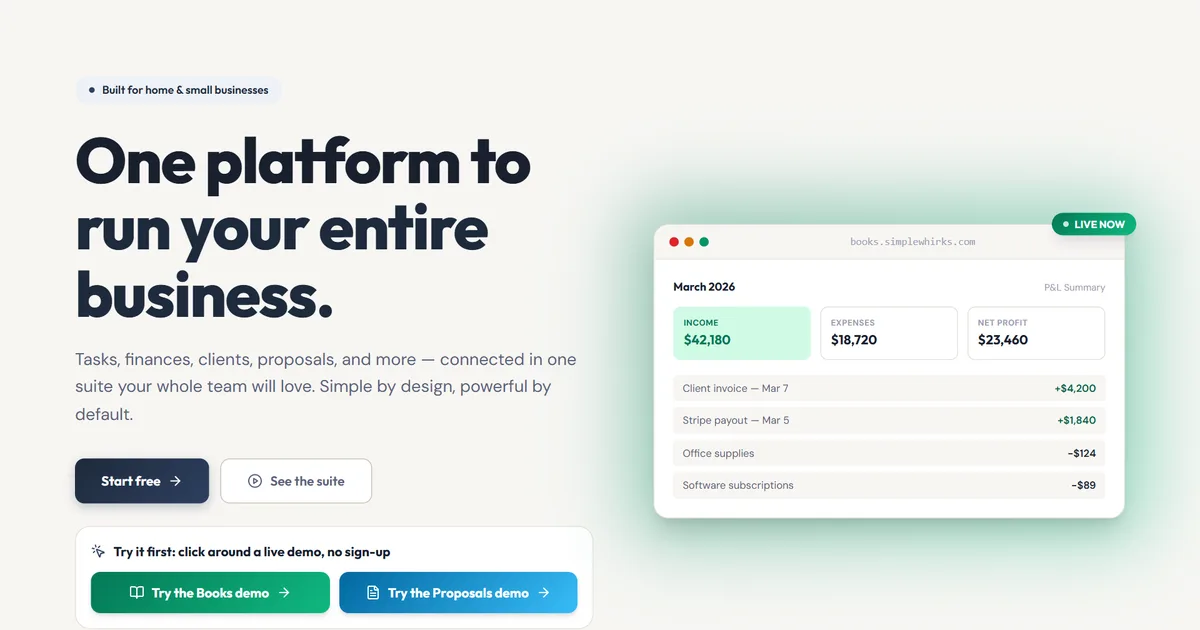
Signing up for software just to find out what it does is like buying a truck to see if the seats are comfy. We’d rather you just sit in it.
Short answer: yes, you can try simpleWhirks first. The home page has a Try it first box with a Books demo and a Proposals demo. Each opens a sample business you can click around with no account, and each has guided tours under Settings.
What problem does this solve?
Trying new business software usually goes like this:
- “Start your free trial.” Then an email, a password, a verification code and a phone call from sales.
- An empty account. No data, so you can’t tell what the reports would even look like.
- A video tour. Twelve minutes of someone else clicking, at someone else’s pace.
What does it do?
1. Two demos, one click from the home page. On simplewhirks.com, the Try it first box opens the Books demo or the Proposals demo in a new tab. No sign-up, no email, no credit card.
2. A sample business that’s already busy. The Books demo runs a small creative studio. The Proposals demo runs a fence and deck company. Both come with sample data already in place, so there’s something to look at from the first click. Click anything. It’s a sample business, so you can’t break a real one.
3. Guided tours at your own pace. In either demo, go to Settings → Guided Tours and click Start. Each tour points at one part of the screen at a time and explains what it’s for.
The box works on a phone too, so you can poke around between jobs.
Who is it for?
- The owner still on spreadsheets. See what bookkeeping in Books looks like with real-looking numbers before you move anything.
- The contractor comparing quote tools. Click through a fence company’s sample quotes, then decide.
- The bookkeeper vetting software for a client. Look around in five minutes without creating an account you’ll never use again.
What should I know before I rely on it?
- The demos are samples, not your account. Nothing you do there carries over when you sign up.
- They open on claude.ai, where we host them, in a new tab.
- The Books demo covers core bookkeeping. Invoicing and bill paying aren’t in it yet.
- Help inside the real apps is lighter for now. Books shows short video walkthroughs on its setup pages (chart of accounts, journal and bank registers), and Proposals starts with a quick setup for your tax rate and default terms. Step-by-step built-in lessons for both apps are next on the roadmap.
How do I start?
Go to simplewhirks.com and pick a demo from the Try it first box, or jump straight to the Books demo or the Proposals demo. When you’re ready, create your free account. One login covers both apps.
About the author. Travis Sutphin is the CTO and co-founder of simpleWhirks, and built the demos so you can kick the tires before you buy the truck. More from Travis.
Frequently asked questions
Related reading
Online Quote Acceptance: Get a Yes Without Paperwork
simpleWhirks Proposals lets clients accept your quote online with a typed name, then turns the accepted quote into an invoice in one click. No printing, no chasing.
Hub · Product NewsOne Login for Every App: Set Up Your Business Once
simpleWhirks Hub gives you one login for Books and Proposals. Enter your business details once, invite your team, and every app stays in sync. Free to start.