Online Quote Acceptance: Get a Yes Without Paperwork
Nothing slows a signed job like “I’ll print it out tonight.” Their printer is out of ink. It has been since 2019.
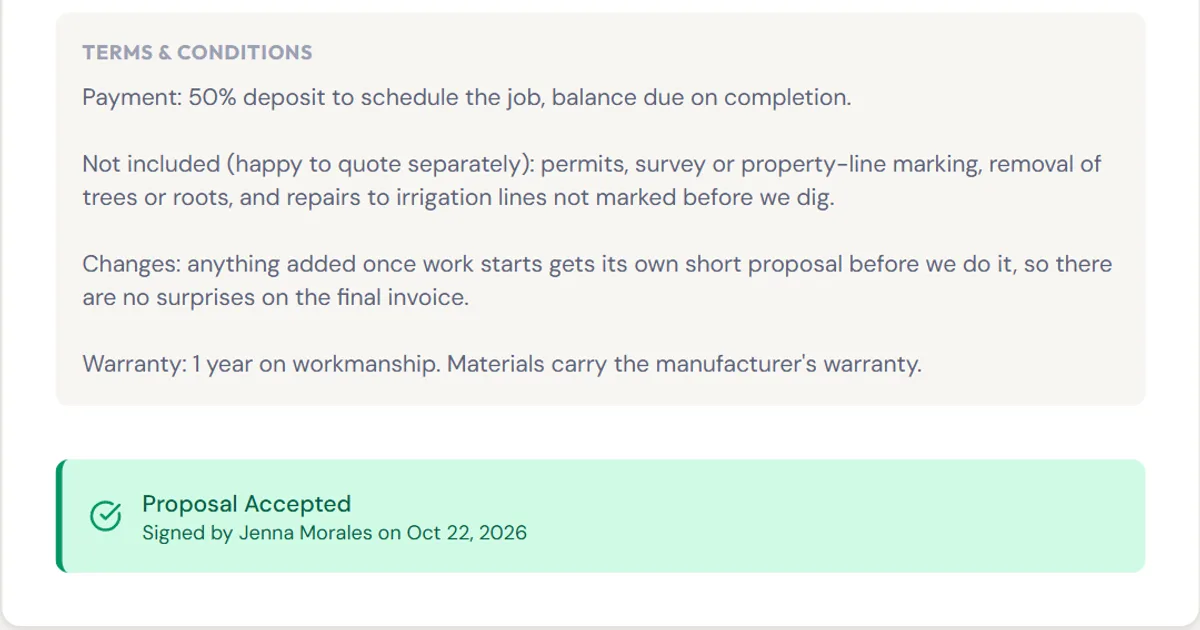
Short answer: send the quote as a link and let the client say yes on their phone. In simpleWhirks Proposals, the client types their name, ticks “I agree” and clicks Accept. You get an email, and the accepted quote turns into an invoice in one click.
What problem does this solve?
If you quote jobs for a living, this will sound familiar:
- The yes is buried somewhere. A text, a voicemail, a “sounds good” in an email thread. Good luck finding it when the scope gets questioned.
- You don’t know if they even looked. Was the quote opened, or is it sitting under a coupon for gutter cleaning?
- Then you retype it all. Same line items, same totals, now on an invoice. Typos included at no extra charge.
What does it do?
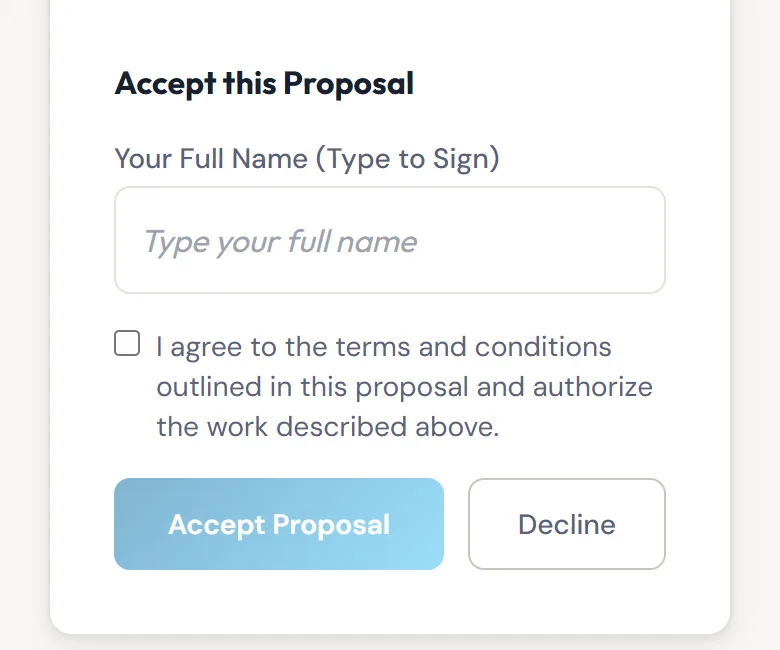
1. Clients accept online, from any device. You send the quote and the client gets an email with a link. No account, no app. They read the scope and terms, type their full name, tick the agreement box and click Accept Proposal, or Decline if it’s a no. Proposals records the name, the date and their IP address, and emails you either way.
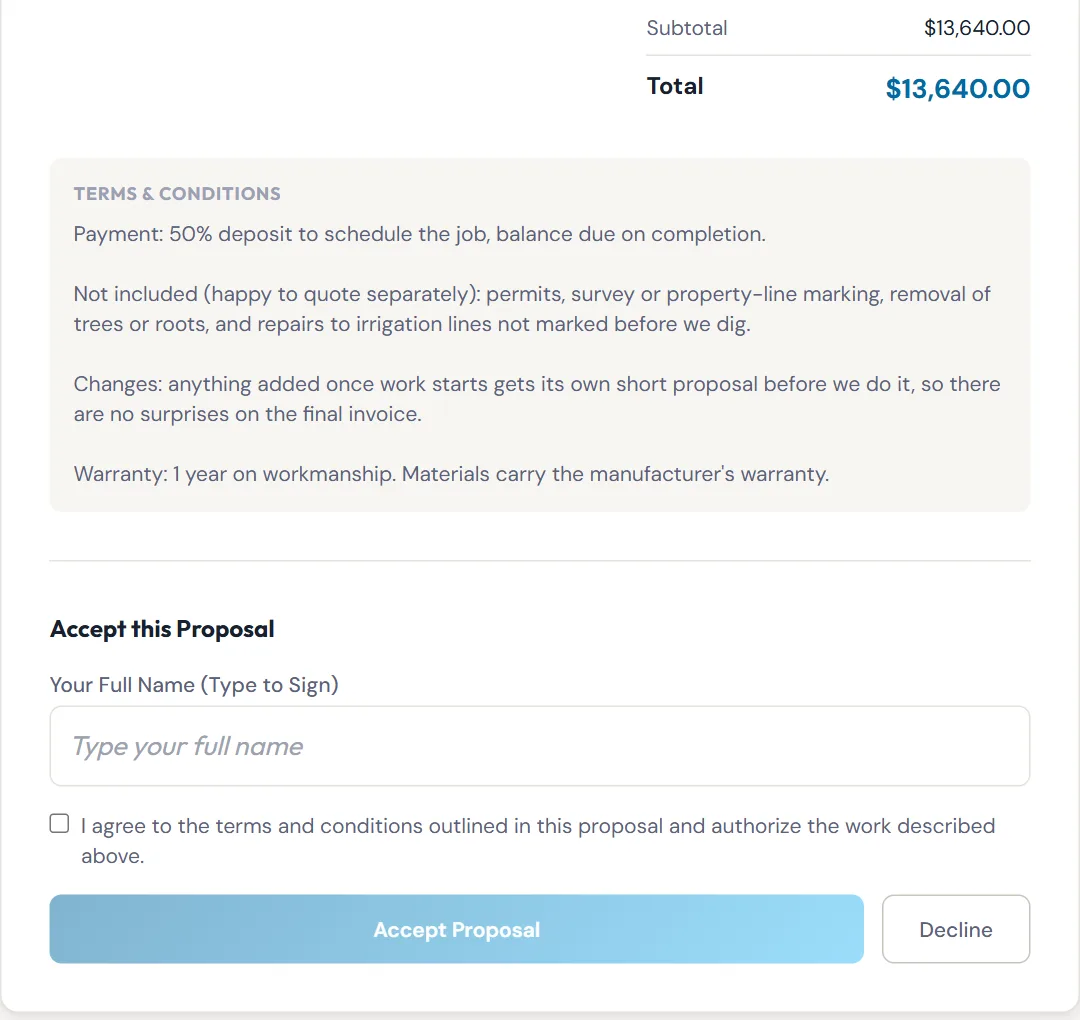
It works on a phone too, which is where most people read email anyway.
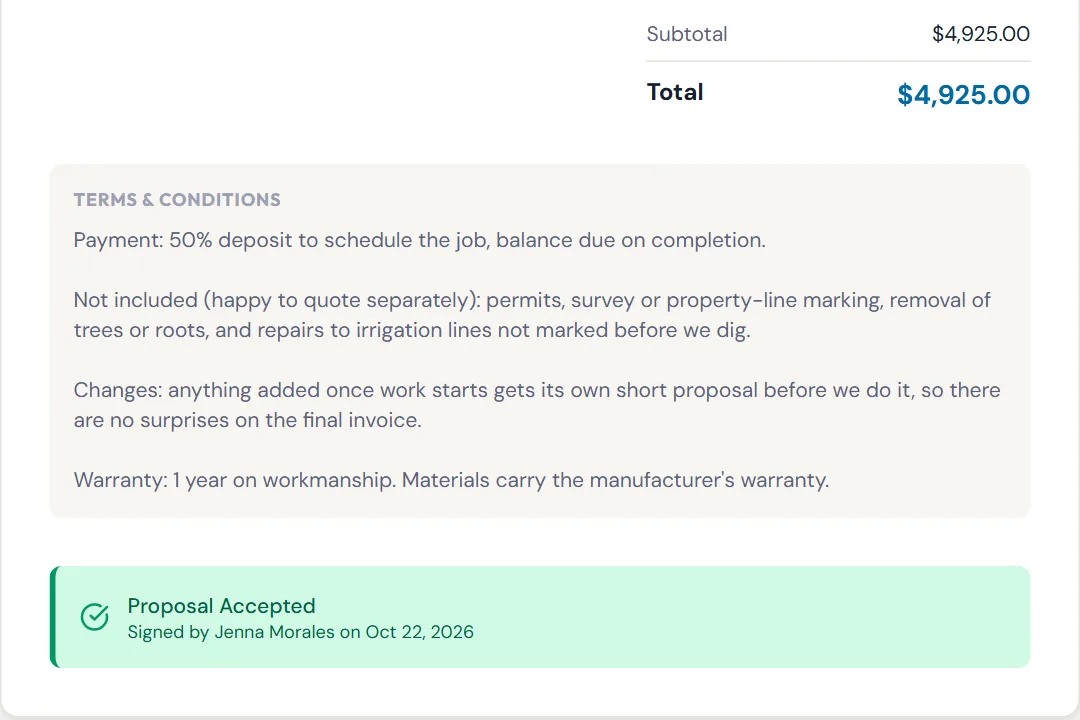
2. You see where every quote stands. Your list shows each quote as Draft, Sent, Viewed, Accepted or Declined. Viewed means the client opened the link, so you know when a follow-up call is well timed. Once accepted, the quote shows who signed and when.
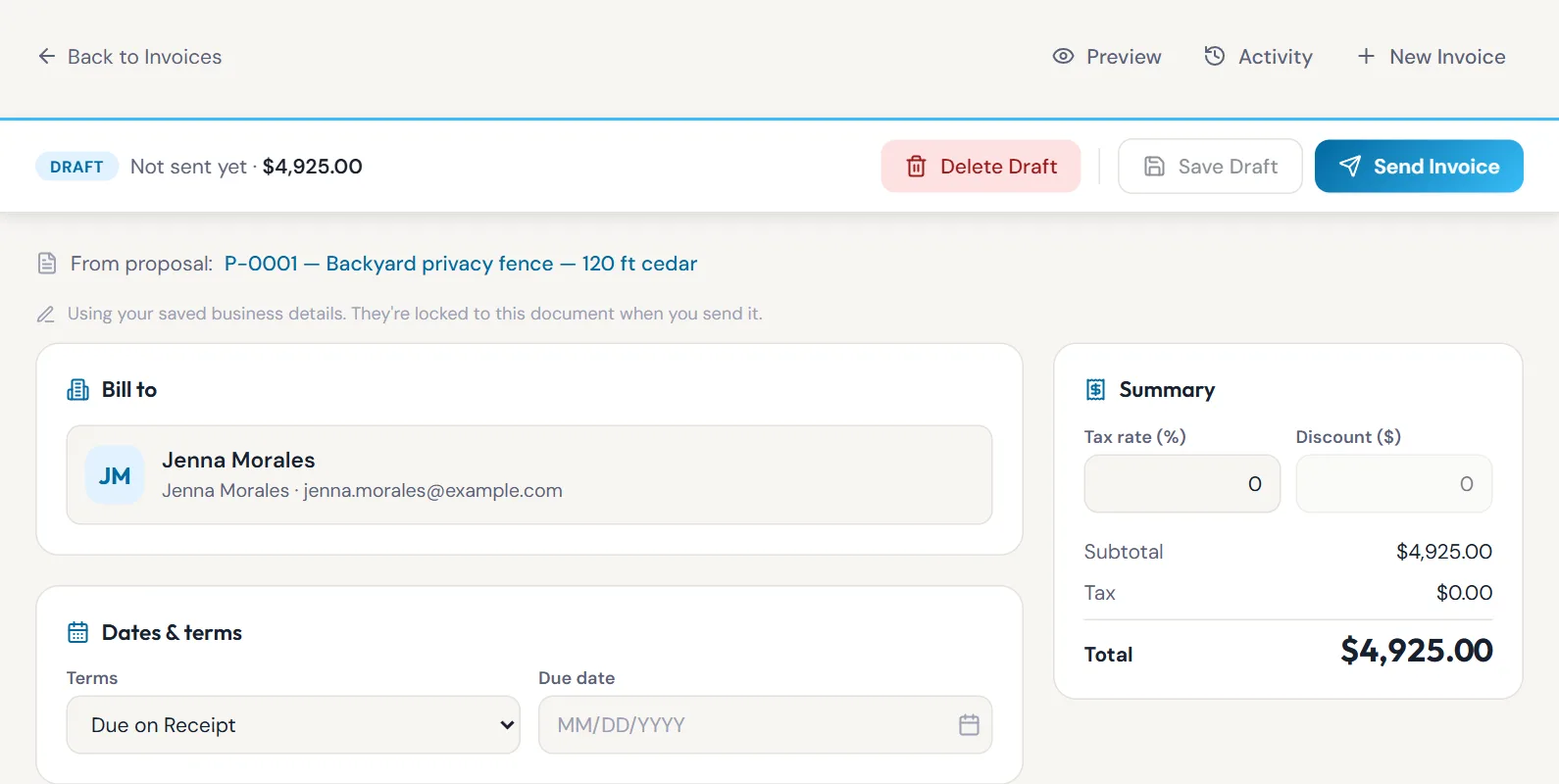
3. One click turns the yes into an invoice. Open the accepted quote and click Create Invoice. You get a draft invoice with the same line items, discount and client, linked back to the quote. Pick the terms and due date, then send.
Who is it for?
- The fence or deck crew quoting from the truck. Send the quote before you leave the driveway and get the yes before dinner.
- The roofer juggling five open quotes. See which ones were opened and call those first.
- The owner who hates double entry. The invoice comes straight from the quote, so the numbers match because they’re the same numbers.
What should I know before I rely on it?
- Acceptance is a typed name, not a drawn signature. Proposals keeps the name, date and IP address with the terms the client agreed to. If a job legally needs a wet signature or a specific e-signature standard, use that for those jobs.
- Clients can’t pay online from the quote or invoice. You record payments as they come in.
- Quotes can expire. Each quote is valid for 30 days by default (change it in Settings). After that, the link no longer takes a yes. Send a fresh quote with current prices.
- The invoice copies the quote exactly. Its line items can’t be edited, so the invoice always matches what the client accepted. Extra work goes on a new quote or a separate invoice.
How do I start?
Sign up for Proposals, add your client and click New Proposal. Write the scope in plain words and send it. Not sure whether you’re sending a quote, an estimate or a proposal? This guide sorts it out in five minutes.
About the author. Travis Sutphin is the CTO and co-founder of simpleWhirks, and builds the parts of Proposals that get a job from “sounds good” to “signed.” More from Travis.
Frequently asked questions
Related reading
Quote vs Estimate vs Proposal: What to Send a Customer
A quote is a fixed price, an estimate is a guess, a proposal is the scope plus the price. Here's which to send, and how a signed one becomes an invoice.
Proposals · Product NewsTrack Partial Payments: Always Know What's Still Owed
Record deposits and part payments on any Proposals invoice. simpleWhirks shows what's paid, what's still owed and keeps a log of every change. Free to use.